Search
Reach people searching for what you offer.
What AdPilot does +
AdPilot creates the ad copy and keywords from your website. Review and edit the draft.
 Sign inFind your plan ↗
AdPilot creates the campaign strategy and copy from your website. Choose your imported images and videos, review the draft and decide what goes live.
Find your plan ↗Explore campaign types ↓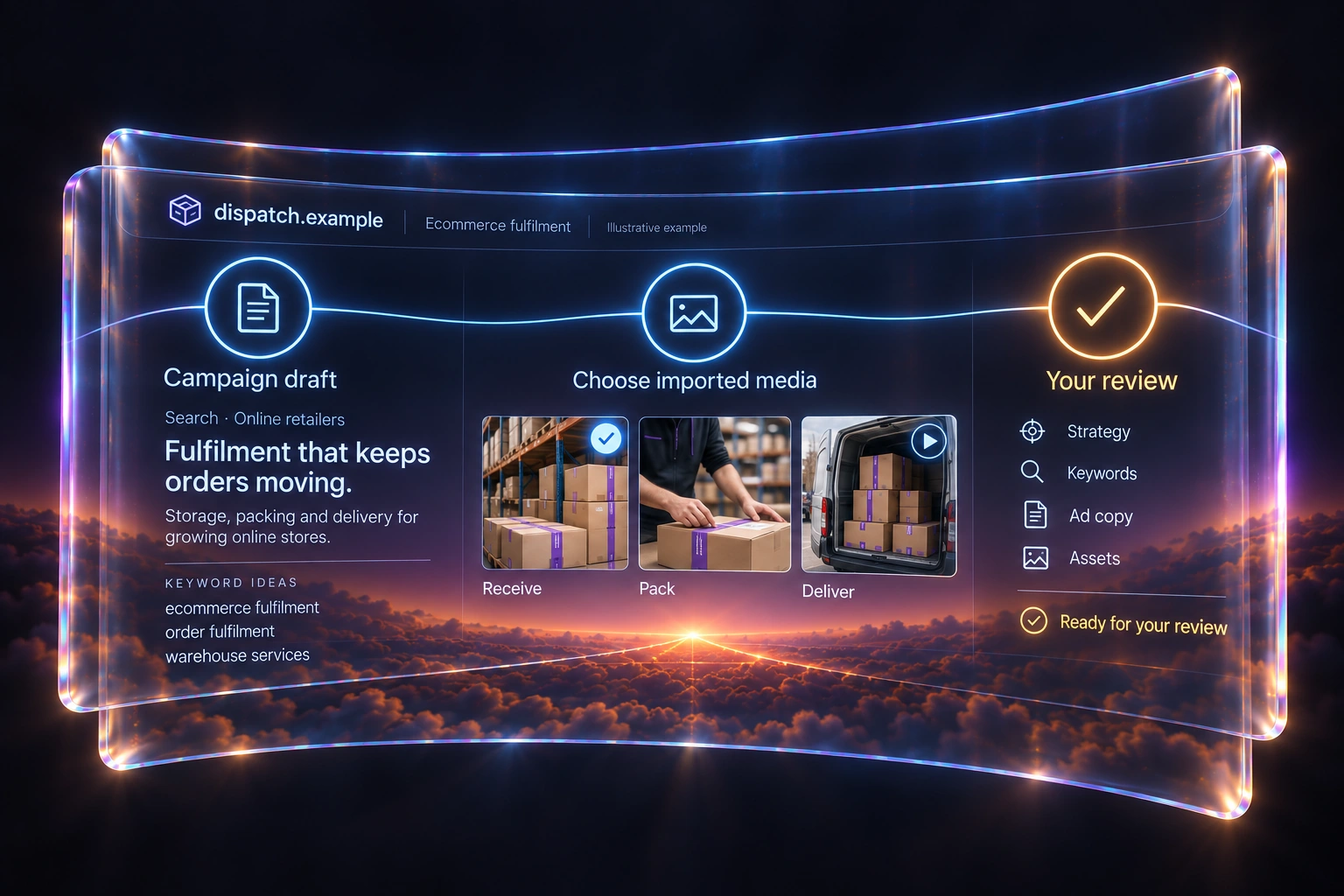
See the format. Choose what fits your campaign.
Reach people searching for what you offer.
AdPilot creates the ad copy and keywords from your website. Review and edit the draft.
Build a campaign across Google channels.
AdPilot creates the campaign content. Choose relevant images and videos from your imported assets, then review the campaign.
Introduce your offer through visual ads.
AdPilot creates the supporting copy. Select images or videos from your imported assets.
Bring your video into the campaign.
AdPilot creates the campaign copy. Select the video you want from your imported videos, then review the result.
Put your creative across the web.
AdPilot creates the headlines and descriptions. Choose the images you want from your imported assets.
Put your product feed to work.
AdPilot uses your linked Merchant Center product feed to build the campaign. Review the campaign before publishing.
AdPilot reads the title, headings, buttons and main words of your page and shows you what it found. Then it builds the campaign strategy, keywords and ad copy, with two versions of every ad. Review and refine the result before you publish or export.
Compare plans ↗Keep every conversation and opportunity in one place.
Keep every conversation and opportunity in one place.
Explore the platform · See how it worksAdPilot collects the images and logo from your website, and your 15 newest videos when you add your YouTube channel. Choose the ones you want: AdPilot prepares the image formats for Google Ads and brings them into the campaign.
Your brand, throughout the campaign.
Compare plans ↗
Connect your Google Ads account and AdPilot reviews the last 30 days of your campaigns. Explore search terms, ad copy and budget opportunities, then choose the recommendations you want to take into your next build.
Performance shows spend, conversions and cost per conversion for 7, 30 or 90 days. Both come with the Connected plans.
Compare plans ↗Review irrelevant searches as negative keywords.
Make the next set of headlines more specific.
Use selected recommendations in campaign generation.
Start a campaign manually, edit the details and use AI keyword and copy helpers when you want them. Keep control of the work from the first draft to campaign review.
AI help is there when you need it.
Compare plans ↗Write your own copy or use AI suggestions as a starting point.
Name up to four competitors, or let AdPilot suggest them. See each one's pitch, what they emphasise and their calls to action, the keywords they target that you do not, and the keywords you share.
Every campaign notes what it took from them.
Compare plans ↗Explore competitor positioning, shared keywords and calls to action.
Manage campaigns and assets by website. Move between businesses with their work kept together.
2 websites on Standalone. 4 on Connected - 4. 8 on Connected - 8.
Compare plans ↗